First thing first — what you really want
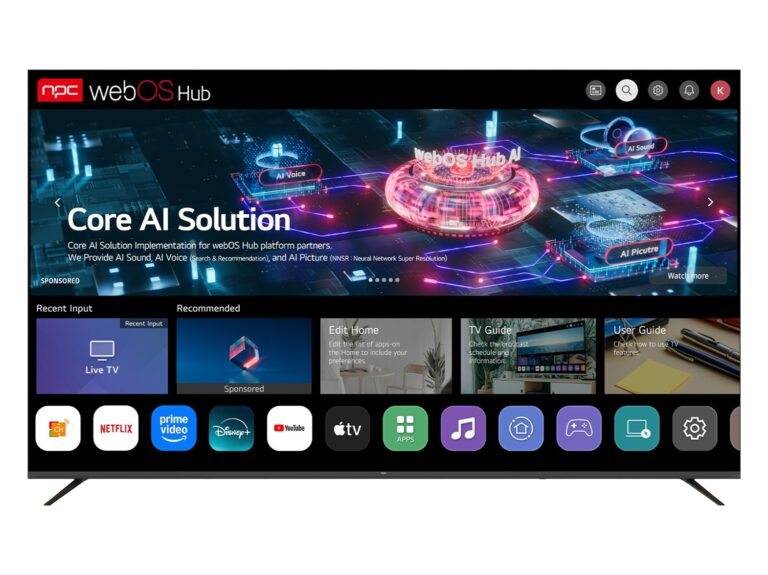
Aiyo, buying a smart telly not just about panel size and picture — the OS decides whether the set becomes useful or headache, lah. Users want smooth menus, apps that work, and updates that actually arrive; check the tv manufacturer’s track record before you commit. This guide puts you in control with hands-on checks you can run at home, and clear signals to look for when comparing models.
What matters to you — plain and direct
Responsiveness: menus must open fast. Test cold boot time and app launch latency. Apps and ecosystem: confirm the streaming apps you use are native and updated regularly. Updates and security: find the firmware update history and whether security patches come quarterly or never. Crash behavior: run an app for 30–60 minutes — does it reload or stall? Remote and input: voice features should not hog basic navigation. Privacy: check permissions, local voice processing options, and any opt-outs. Warranty and support: length and clarity of software support matter as much as panel warranty.
Simple tests you can do right away
Open five apps back-to-back, switch inputs, and return to an app — observe memory management. Reboot, time the startup. Install or update an app via the built-in store — note any failed downloads. Run live TV and a streaming app simultaneously (PiP or split, if supported) to see performance under load. Check settings for automatic updates and rollback options. Record timestamps of any app crashes to compare across models.
Experience, expertise, and a real-world check
I’ve spent years testing firmware behaviour across budget and premium sets, repairing units with sloppy OS maintenance and resoldering dead boards after vendor updates went wrong. The biggest reality-check comes from industry showcases like CES, where manufacturers demonstrate strategies and update commitments in public sessions; those demos often predict which brands push stable platforms. For parts and supply visibility I also watch how television manufacturers publish component and firmware notes — that transparency usually signals better long-term reliability.
Common mistakes people make
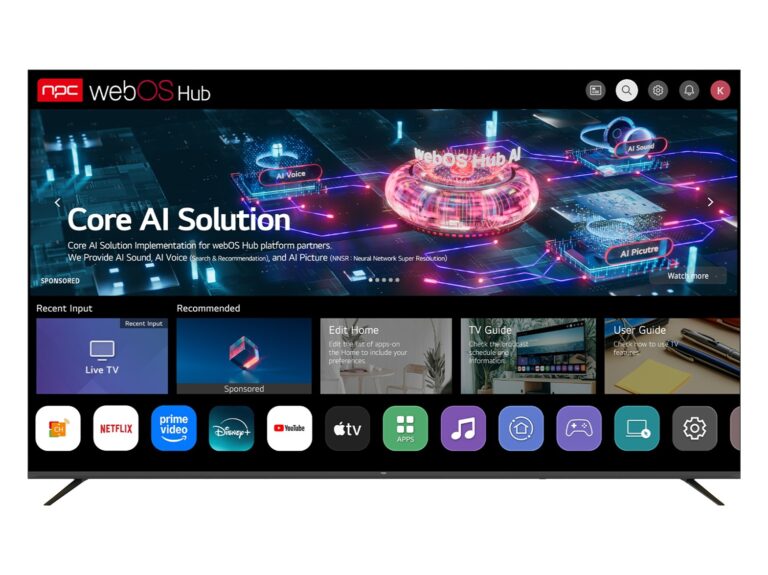
Relying on UI screenshots alone. Believing big brand name guarantees flawless software. Confusing flashy home screens with robust app support. Skipping the update policy check and assuming “smart” equals maintained. Buying a set for a single exclusive app without checking alternative access methods (Chromecast, AirPlay, HDMI dongle).
Trade-offs and alternatives
If a TV OS looks weak but the panel and ports are great, consider an external streamer (stick or box) to take over the OS role. That reduces reliance on vendor updates and gives more predictable app behavior. If you prefer an all-in-one experience, prioritize vendors that publish clear update cadences and maintain an active developer ecosystem.
Quick checklist before you buy
Boot time under 30s. Native support for your top 3 apps. Clear firmware update policy (how long and how often). Responsive remote and low input lag for games. Public changelogs or release notes. Customer support channels that respond within 48 hours. If most boxes tick, it’s likely a reliable set.
Wrap-up — choose smart, lah
Don’t let glossy spec sheets distract you. Test responsiveness, confirm update habits, and prefer transparency from the maker. When everything else equal, a vendor that publishes clear firmware notes and parts information tends to keep sets usable longer — that’s the practical value npc brings to buyers comparing real-world reliability.