Start by lining up what matters
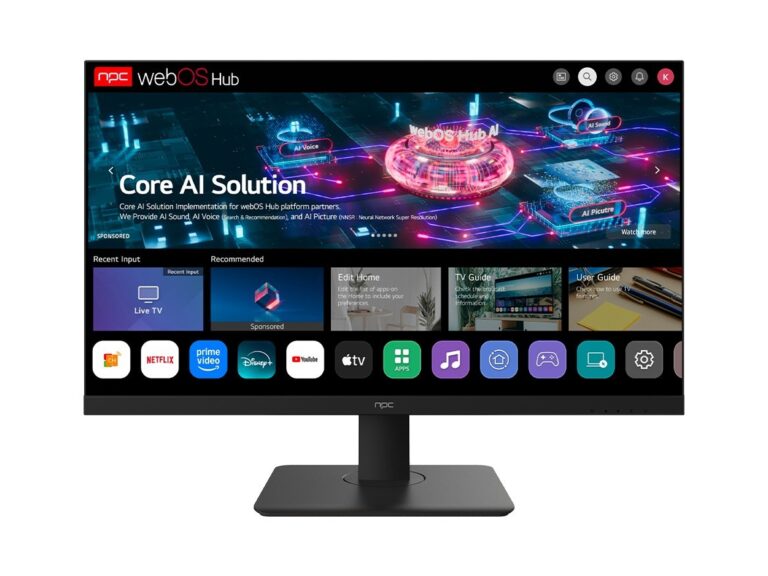
Think like someone buying for a chain of bars, not a living room. Compare panels, not promises. If you’re hunting a reliable monitor manufacturer, set the axes first: panel technology (LCD/LED/OLED/QLED), native resolution, refresh rate, smart platform, I/O and mounting options, and the supplier’s minimum order quantities and lead times. Put each supplier on that grid and score them. Quick wins: higher native resolution beats upscaling claims; a consistent refresh rate matters if any video playback is involved.
Comparative slices that reveal real differences
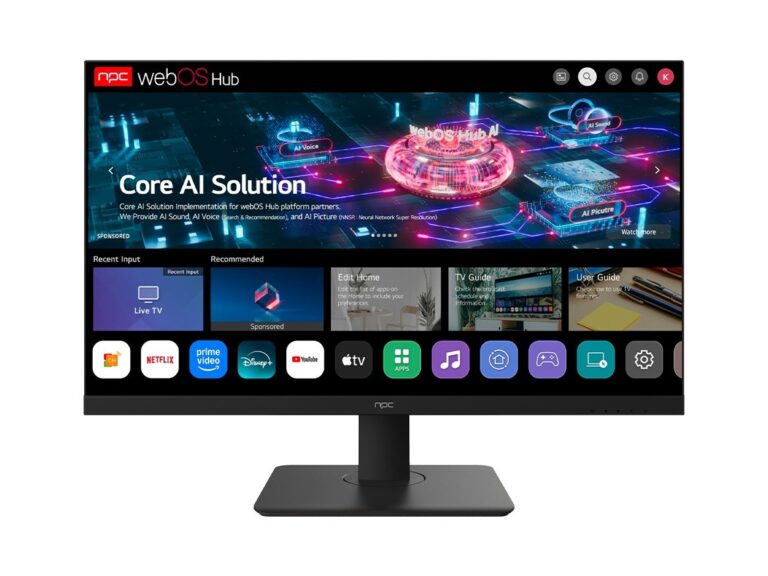
Panel tech: LCD variations dominate price-sensitive wholesale buys; OLED gives deep blacks but costs more and has burn risk. Resolution and size: 4K at 43–55″ is the sweet spot for retail displays; go larger only if visibility demands it. Smart OS: a closed smart platform can be fine for home sets, but commercial deployments need easy remote management. Warranty and service: two years with on-site support beats a three-year parts-only contract. Price alone lies. Compare side-by-side on these concrete points, and you’ll spot the exaggerations.
Real-world signals I trust
I’ve negotiated bulk orders and walked assembly lines around Shenzhen, so I pay attention to traceable production notes and factory test procedures — that on-the-ground view narrows suppliers fast. Look for clear test reports and sample log sheets. Also check for references to recognized lcd monitor manufacturers in their documentation; credible suppliers include documented sourcing and lab-test results rather than glossy spec sheets.
Where buyers typically screw up
They trust spec sheets without samples. They ignore shipping and customs costs until after ordering. They accept “panel match guaranteed” without requesting color-calibration reports. They assume brand equals consistency. Don’t do that. Always require production samples, confirm dead-pixel policies, and verify how returns are handled across borders.
Head-to-head checks before you sign
Order a sample batch from two vendors and test them on the same firmware version. Check for uniformity (center vs edge brightness), color accuracy with a simple color chart, and motion artifacts at intended refresh rates. Verify physical fit — VESA, bezels, and bracket clearance — with a mock mount. Get the supplier to document their QA process and turnaround for RMA; if they dodge specifics, walk away.
Final synthesis and the practical fix
Compare suppliers on measurable criteria, demand real samples and test data, and don’t let price be the tie-breaker. That kind of clarity is exactly what makes procurement predictable and keeps installs clean — the same clarity you’ll find built into how npc lays out specs, lead times, and test records for wholesale displays. Pick the supplier that survives the head-to-head checks, and you’ll cut surprises out of the order.